All courses Freepik course (1)

AI CONTENT ENGINE - PRACTICAL GUIDE

CapCut

CapCut is a versatile video editing app (mobile and desktop) that turns your footage, images, and audio into finished stories for social feeds and ads. Lay out clips on a multi-track timeline, add auto-captions or custom titles, duck music under dialogue, use keyframes for zooms and pans, and pick export presets for each platform. Try different aspect ratios for vertical shorts versus horizontal YouTube, refine pacing with cuts and speed changes, then render high-quality files you can publish directly or pair with graphics you built in Freepik AI or other creative tools.

Video base reference

This course follows the same modular style as Course 1, using the reference tutorial below.

Watch the source video

Quick Start (3 minutes)

    Project canvas & ratios

    Tools that solve most edits
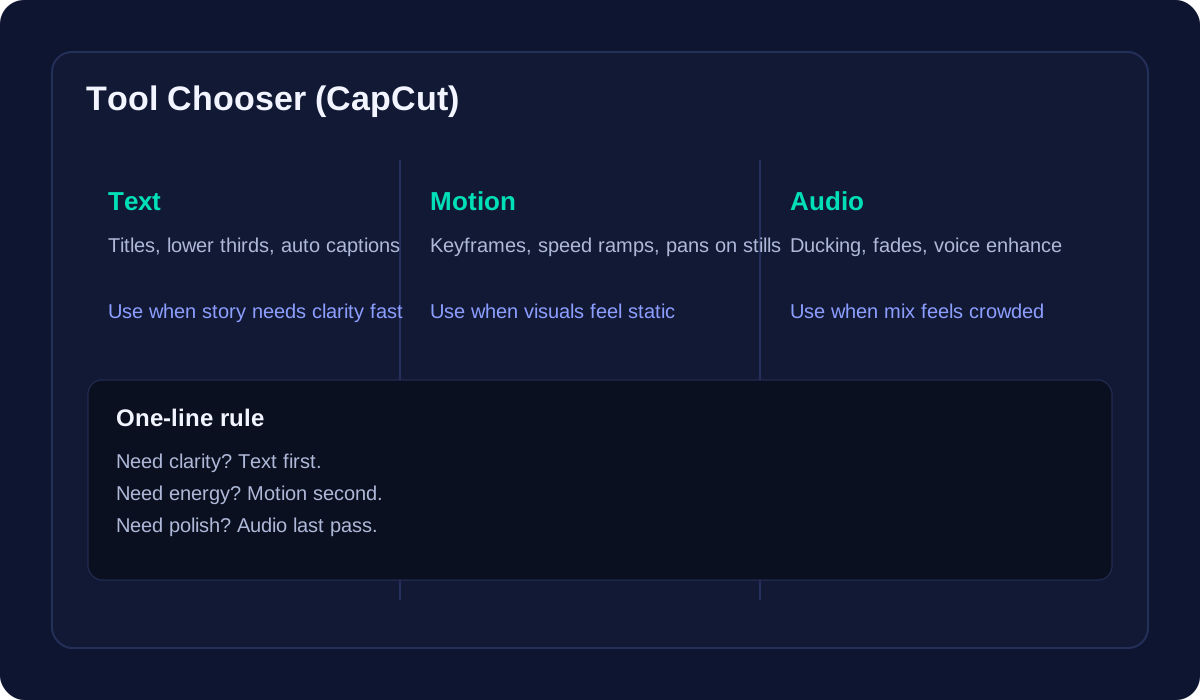
    When to prioritize text, motion, or audio

    Editorial workflow in CapCut
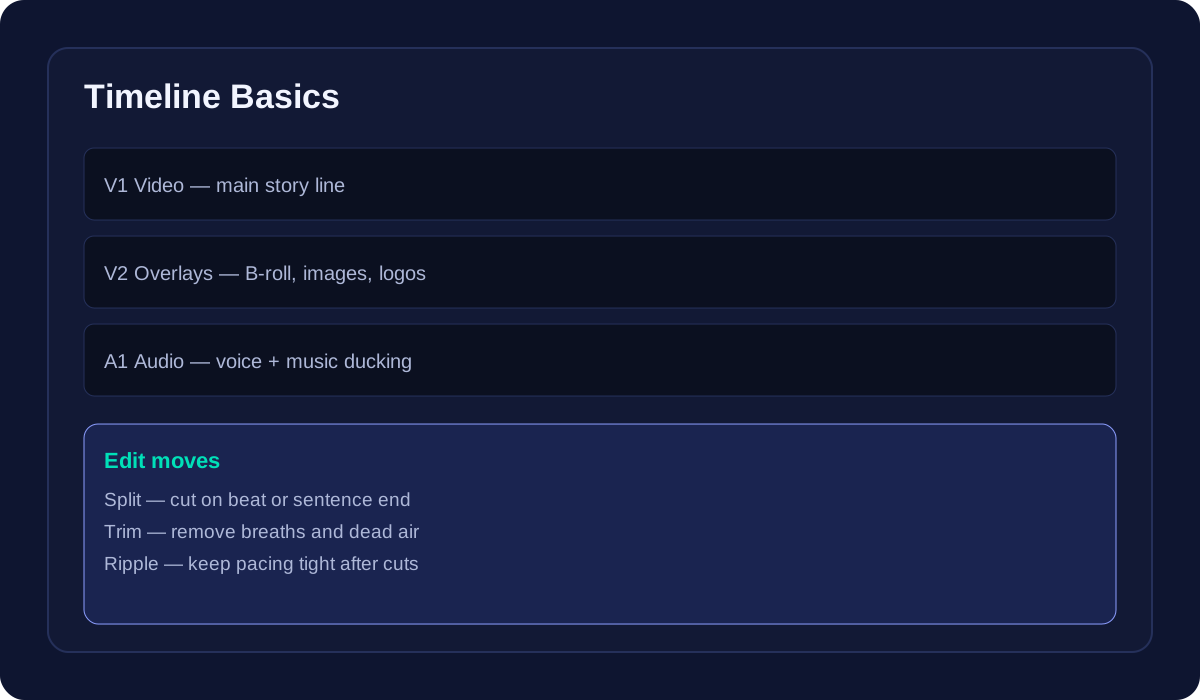
    Best practices for advanced results
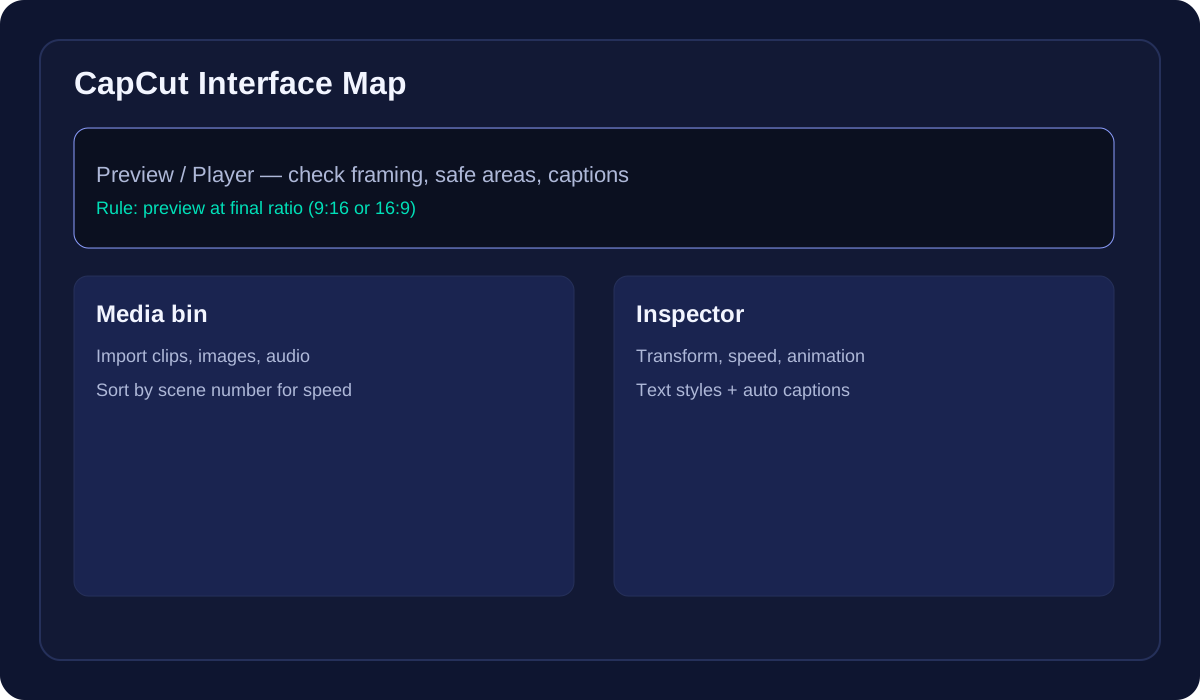
      Export & delivery
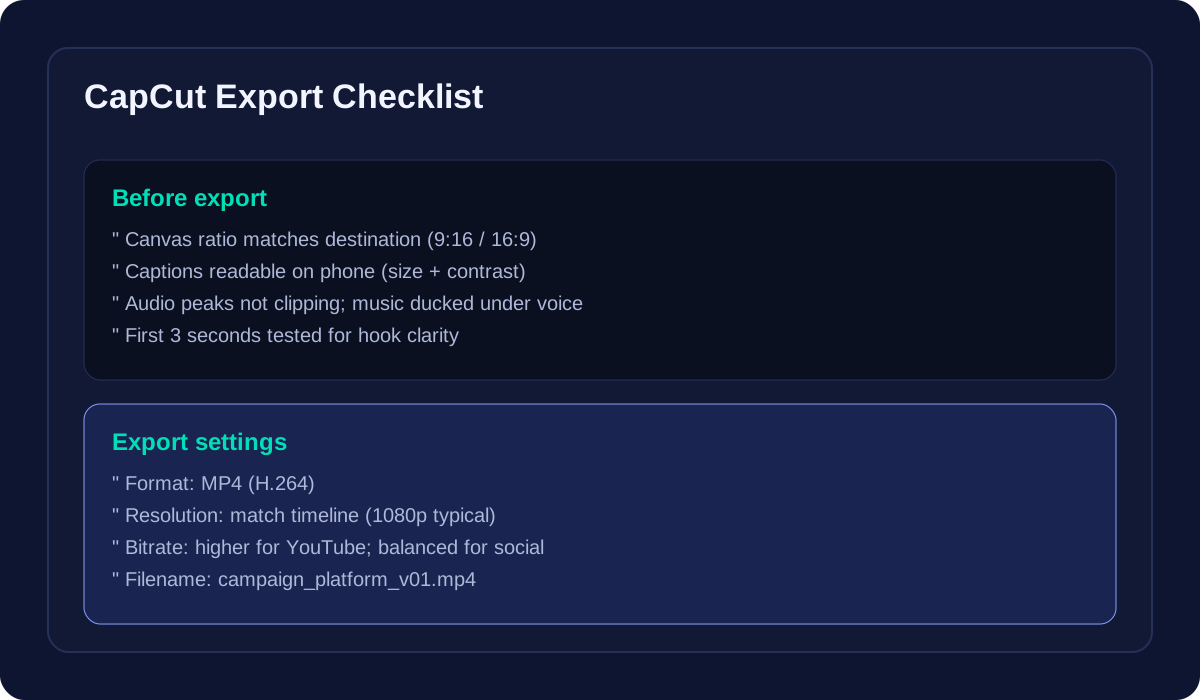
        Hooks & caption patterns